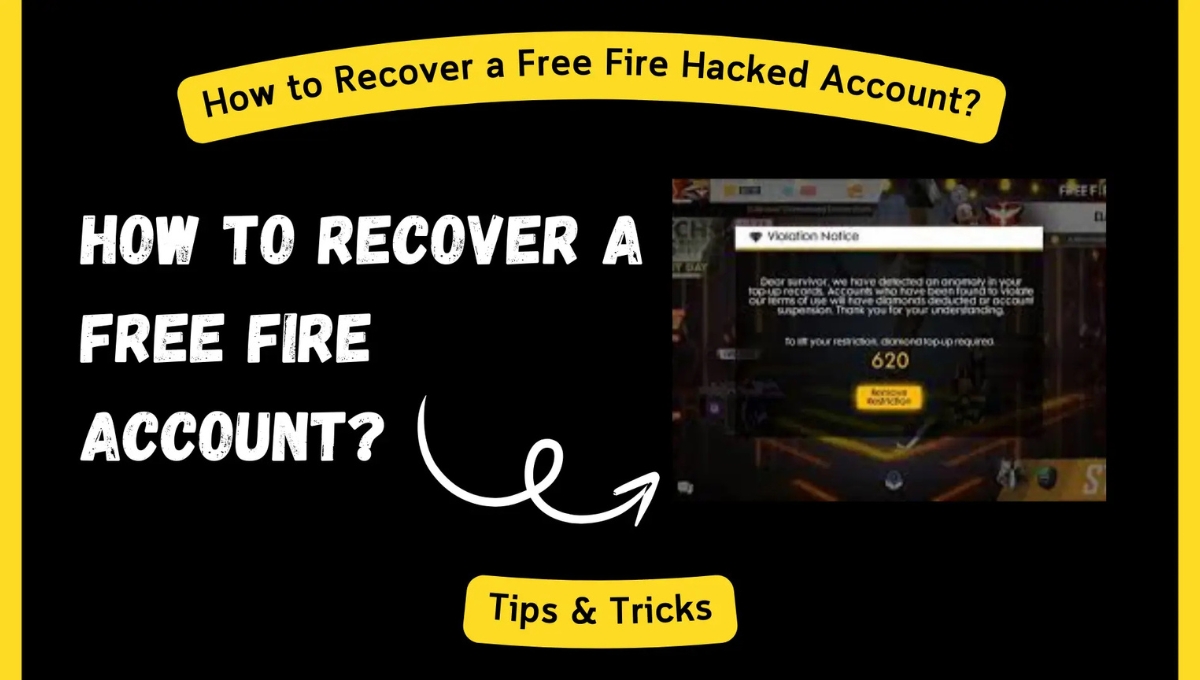
Recover Free Fire Account: Sometimes a small mistake, like changing your phone number or clicking on a suspicious link, can wipe out months of hard work and collection. At that moment, the only thought that comes to mind is can I recover my account? Yes, I do. Garena streamlined the account recovery process in 2025, and your UID (User ID) can be your biggest weapon in this journey. In this guide, I’ll explain in a straightforward and human-like manner how to recover using your UID, what information to submit, and when to contact Garena support to get your account back.
What is a UID and why is it important
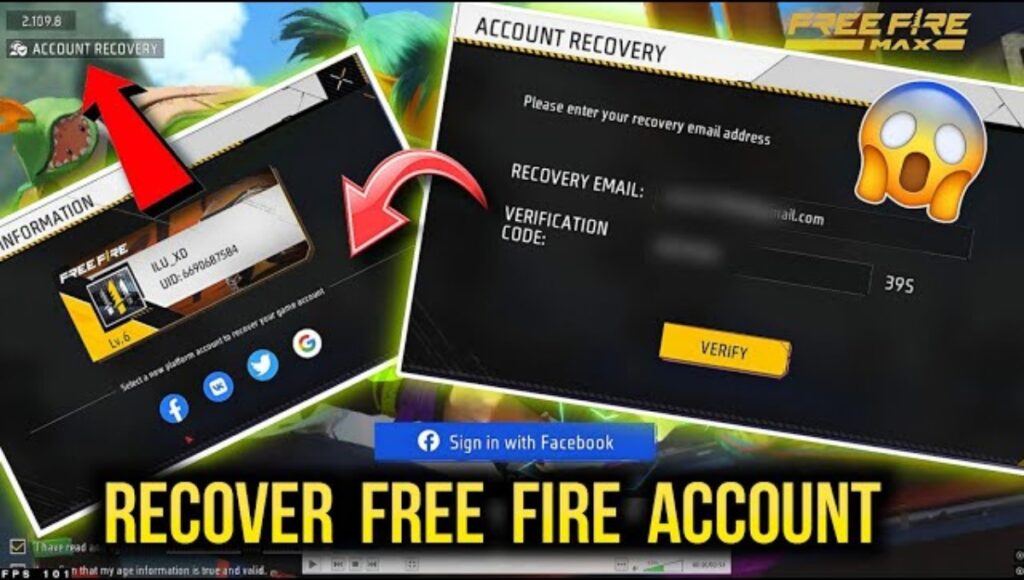
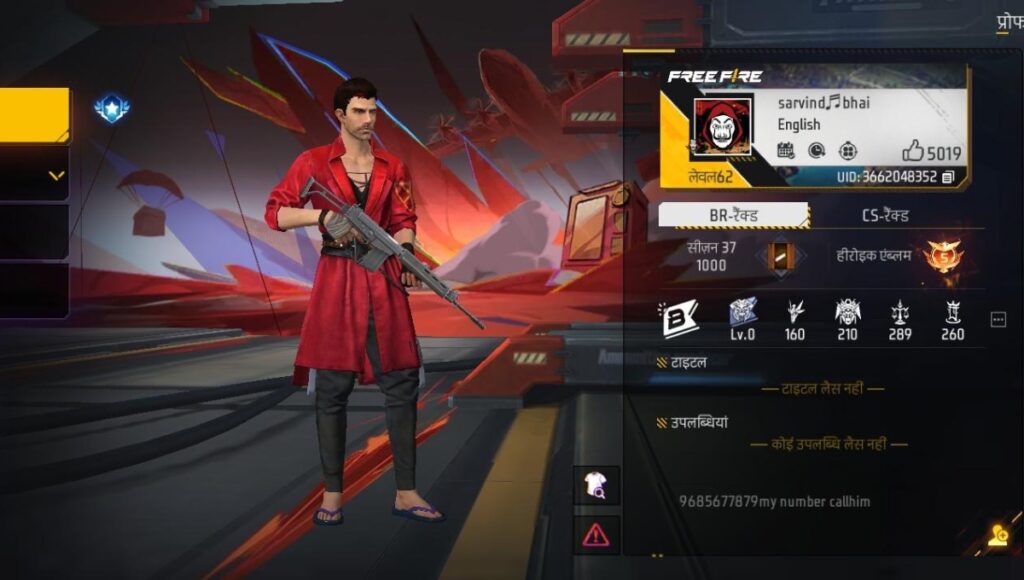
The UID (User ID) is the unique identification number for every Free Fire account. The account name may change, but the UID remains permanent. If you’ve ever saved your UID in a screenshot, invoice, receipt, or chat with friends, that UID helps Garena verify your account identity. Recovery is possible even if you don’t have a UID but having one makes the process much faster and more reliable.
What to do immediately for account recovery
First, stop panicking and keep a cool head. Gather all the evidence you have—a screenshot of your UID, any in-game purchase receipts, email notifications, your nickname and server name, the last login date, and the device you played on. If you linked your account to a social account (Facebook/Google/Apple), have that account information ready as well. Showing this to Garena support increases your chances of recovery.
Step-by-Step: How to Recover a Free Fire Account with a UID
After gathering the evidence, go to Garena’s official support page and select the “Account Recovery” or “Submit a Ticket” option. In the ticket, write your entire story in simple language—when you lost your account, when you last logged in, and what items (rare bundles, EVO guns, diamond purchase receipts) were in your account. If you have a UID, include it in capital letters in the first line so the support team can quickly identify it. Attach receipts, screenshots, and any other proof. Write the request exactly as it is in the message: “My Free Fire UID is XXXXXXX. My nickname was ‘ABC’ on server ‘India’. I last logged in on [date]. I have attached purchase receipts and screenshots. Please help recover my account.” The more clear and consistent the data, the more likely recovery will be.
Guest Account Recovery and What to Do Without Email/Phone
Sometimes, accounts are on guest accounts, and people don’t link their email or phone. Even in such situations, there’s no hope. If you have a backup of an old device or a game file in your Google Drive/Apple iCloud backup, you can extract the UID from it. You can also ask your friends with whom you’ve shared your UID while playing. If they don’t provide all of this, send Garena device-based information, game-purchase details, and any other details associated with your account the support team can combine these to verify.
What Not to Do During Recovery
Don’t click on any unofficial links to try “fast recover” or “UID tools.” Such links open the door to account theft, malware, and bans. Only take action through Garena’s official support channels or in-game help. Remember, every hasty wrong choice can lead to long-term damage.
Overview
| Feature | Details |
|---|---|
| Main Method | Recover the account by sending UID and proof to Garena Support |
| Required Proof | UID, purchase receipts, screenshots, last login date, server and nickname |
| Guest Account | Device backup or help from friends to retrieve UID |
| Support Channels | Garena Official Support, Ticket System, In-game Help |
| What Not to Do | Avoid third-party recovery tools or scam links |
| Result | Recovery is possible if the proof is correct, but not guaranteed |
FAQs Recover Free Fire Account with UID
Q. Can I recover my account without a UID?
Yes, it is possible, but you will need stronger proof such as purchase receipts, device details, and your last login date.
Q. What if I don’t have my purchase receipts?
You can use your bank, UPI, Google Play or App Store transaction history. These records are also considered valid proof.
Q. How long does Garena Support take to respond?
It can take anywhere from a few days to one or two weeks. Clear and complete information helps speed up the process.
Q. Should I tag Garena on social media for recovery?
You can, but the official support ticket is the most reliable method. Social media posts alone are not enough without an official ticket.
Q. What if my account doesn’t get recovered?
If recovery fails, create a new account with proper security. Link it with email, phone or Facebook/Google, and keep your UID and important proofs safe.
Disclaimer: This article is meant to provide general guidance and information. The actual recovery process depends on Garena’s policies, your submitted proof and their internal verification. Nothing here promotes hacking or the use of unauthorized recovery tools. Always use only official Garena channels to protect your account and personal information.
Also Read:
Free Fire Evo Vault Event 2 December 2025: New Evo Guns Explosion, Loot from Cobra to Divinity
December Booyah Pass Free Fire: New season, new rewards, and the special scent of December